Digests in WireCat Desktop
Get one short summary of your chats, mail, meetings and tasks every morning or every week, in the app, in Telegram or by mail, with a cost limit you set.
A digest is one short page that says what came in and what waits for you, built from your chats, mail, meetings and tasks. The Digests page in WireCat Desktop sets them up: when each one runs, what it reads, where it sends, and how much it may spend. When it is done, you get a digest every morning or every week without asking your agent. Claude Code writes each digest, so the page needs Memo and Claude Code. If Claude Code is missing, the page offers Install it in Agents.
Digests is marked beta: you see a β beside its name. The section is new and lightly tested.
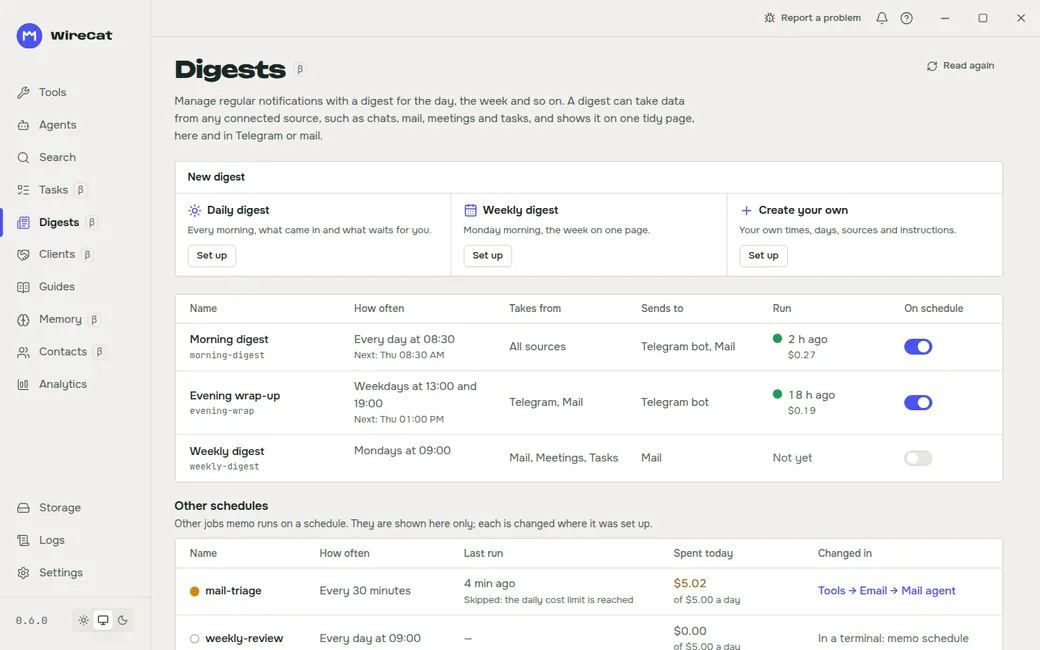
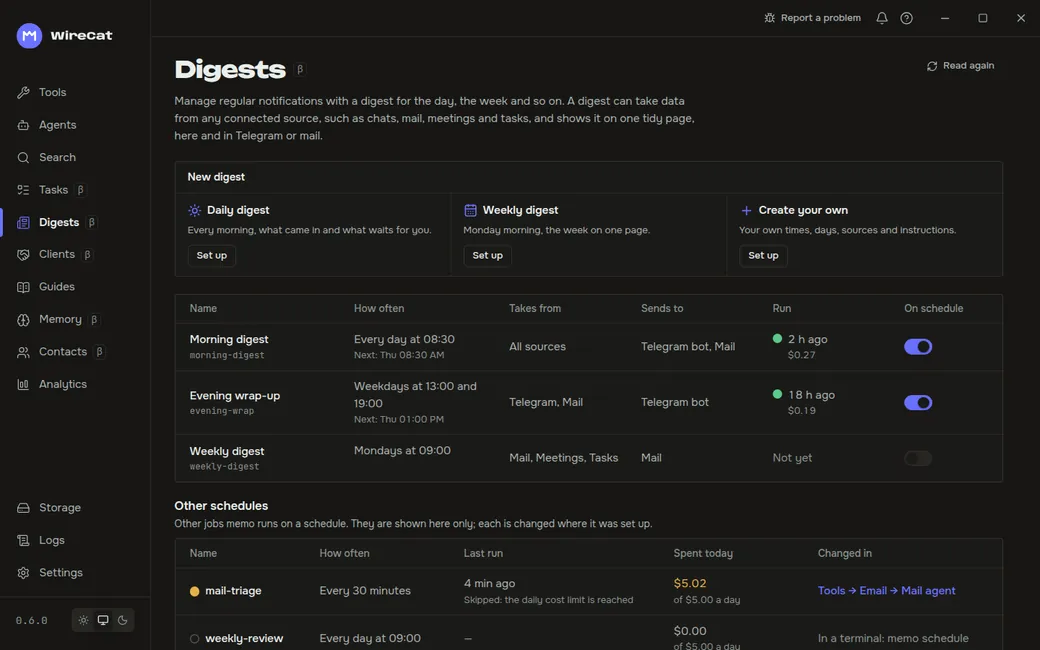
Create a digest
Under New digest, pick Daily digest, Weekly digest or Create your own, and click Set up. The dialog Create digest asks for:
- Title. A second digest from the same template gets its own name, such as "Weekly digest 2".
- Times and Days: one or more times a day, every day or on the days you pick. The table then reads, for example, "Twice a day: 08:30 and 18:00" or "Weekdays at 09:00".
- Takes from: the sources to read. With none picked, it reads every connected source.
- Instructions (optional): what to look for, in your words.
- Cost limits: at most this much for one run, and for one day.
- Run it on schedule.
Click Create.
The table
Each digest shows its Name, How often, Takes from, Sends to, its last Run with what it cost and the next one, and an On schedule switch. Other schedules below lists other jobs Memo runs on a timer, such as the mail agent, and where to change each.
One digest
Click a digest to open it.
- Get now makes one at once. It first says what it will cost about. Its menu can show it only here or send it to one route.
- Put on schedule or Take off schedule.
- Settings: the same fields as when you created it, plus Sends it to (a Telegram bot or mail) and what it spent today.
- What to collect: your instructions for what goes in.
- How it looks: the template for Telegram, Email and Plain text, with a Preview of what would be sent. Reset to default brings back the original.
- Build past days builds the digests of days before you set it up, so you can read them in the app. It says the price first. Those days are not sent anywhere, and the list marks them "built later".
- More has Remove digest.
The days you have are listed beside it. Click one to read it.
When a digest is ready
While WireCat runs, a new digest shows one notification. A wirecat:// link to a digest, for example from a message
an agent sent you, opens it on this page.
Next
Connect a Telegram bot or mail on the Tools page to get digests there, then set Sends it to.
Clients in WireCat Desktop
Your CRM deals and leads as a table or as a board by stage. Move a deal to another stage, map each CRM's stages onto yours, and choose whose deals are copied.
Memory in WireCat Desktop
Decide what your agents may take as true about you and the people around you, see where each fact came from, and add a note, a link, a file or a picture to memory yourself.