
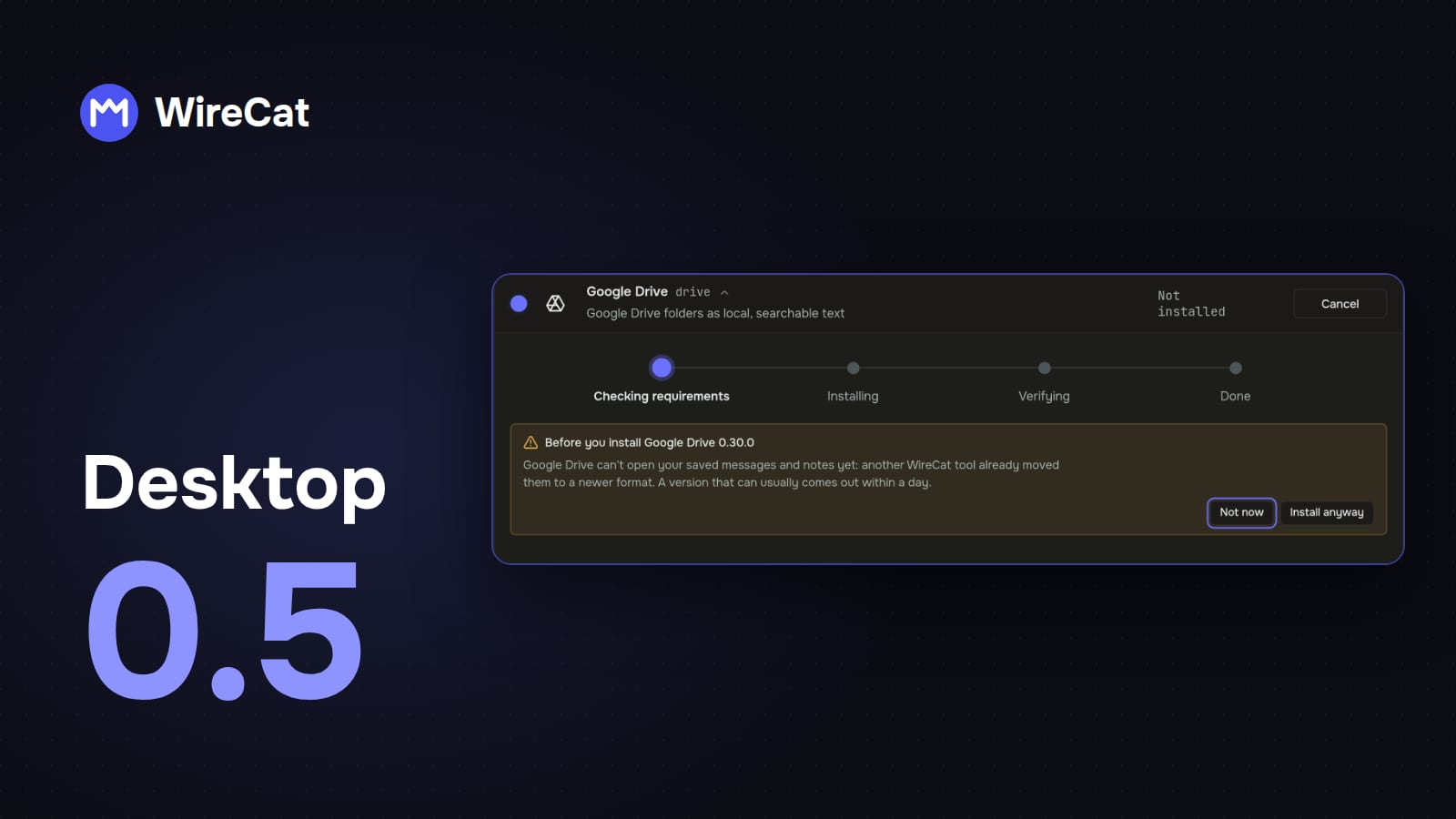
WireCat Desktop is the app that installs the WireCat tools, signs you in and gives your AI agent your chats, mail, meetings, documents and notes, all kept on your computer. 0.5 is a small release with things I wanted for a while. The Windows installer is signed now, and the app checks before an update that it won't break your other tools. And the background service of Telegram and WhatsApp finally has its own controls.
A signed installer on Windows
Windows used to call WireCat's installer an app from an unknown publisher, and the download page had to explain how to click past that. Now the installer is signed with an Open Source Developer certificate from Certum, and Windows shows Open Source Developer Viacheslav Ptsarev as the publisher. That's me.
A signature doesn't make the blue SmartScreen window go away at once. SmartScreen trusts a signed app only after enough people have installed it, and Microsoft says that can take weeks. So for a while you may still see Windows protected your PC. The difference is that More info now shows my name as the publisher. If it shows anything else, don't run the file. The download page has the steps.
One more thing changes. Windows 11 has Smart App Control, which blocks unsigned apps and has no way to allow one. With it on, earlier versions of WireCat couldn't start at all. Microsoft's FAQ says it lets an app with a valid signature run, so this one should.
A check before you install or update a tool
All WireCat tools keep your messages and notes in one shared store on your computer. Sometimes a new version of a tool moves that store to a newer format, and a tool that only reads the old format stops working until you update it too. Before, you found out after the update.
Now WireCat checks first. When another tool needs its new version to keep reading the store, the app updates it right after the one you asked for, and the progress line says so.
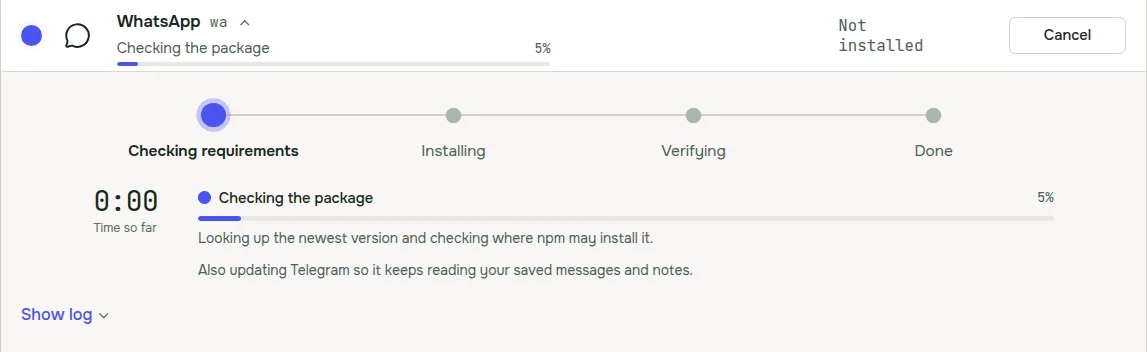
You see a warning only when there's nothing to update to yet. That's when another tool has no new version that reads the new format, or the version you picked can't open your store. You choose Not now or Update anyway. For WireCat's own tools a fixed version usually comes out within a day.
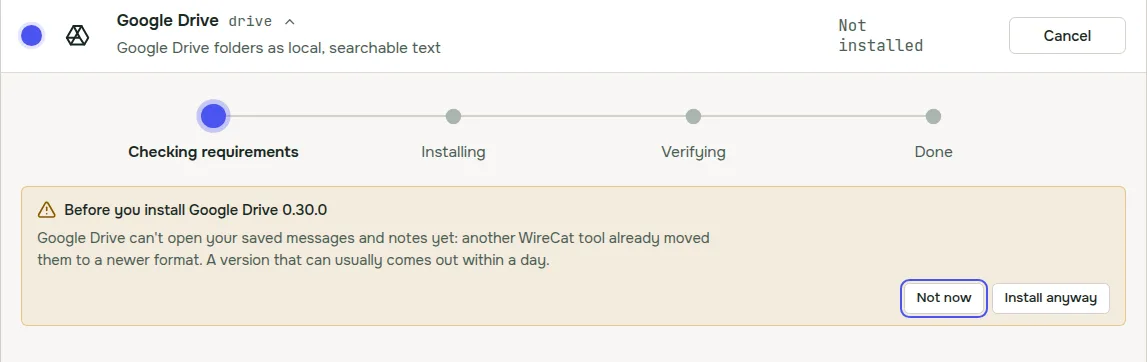
The same check runs in the first-run setup, where most installs happen. It asks npm directly for each tool's newest version, so it doesn't work from a stale list.
The background service, with controls
Telegram and WhatsApp get new messages only while their tool runs in the background. In 0.4 the Tools page only told you when it wasn't running, and had one button to start it. Now each of them has a Background service section in its details. It lists every account, shows whether the service runs and whether it starts when you log in, and has Start, Stop and Stop starting at login.

When the service fails, the section says why in one sentence and offers one fix, for example Sign in when the account was signed out. For WhatsApp it also reminds you to keep your phone online, because your messages come through it.
Updates from a .deb or .rpm
A copy installed from a .deb or .rpm package needs your password to update, and the app never asks for it itself. The update window still opens your system's installer and shows the command to copy. Now it also has Open in terminal. You type your password there, and restart WireCat when the install ends.
Smaller things
- When the mail agent skips a run, the reason is now in your language.
- Rows on the Tools page stay in place when other tools start updating above the one you clicked.
Since the last post
I didn't write about 0.4.1 and 0.4.2, so here's the short version.
- Mail agent. In Email's Manage panel, Run on a schedule starts Memo's mail agent. It reads new mail every 5 minutes and proposes tasks, invoices, orders and facts for you to accept. It never sends anything. It needs Memo and Claude Code.
- Take back an agent's memory. On the Memory page, Undo approval now works for a fact an agent wrote too, and puts it back into review.
- Tailscale Funnel without the Tailscale app. If Tailscale isn't installed, WireCat uses its own small connection for Funnel, and it needs no administrator password.
- Updates that explain themselves. A failed update says what happened, for example no internet or no space in Downloads, and what to do.
- Fixes. Updating a .deb or .rpm copy works again. If yours is on 0.4.0 or older, install the new package from the download page once, and updates work from the app after that. On Windows, one tool no longer shows up as two copies.
- The Logs page keeps its run settings behind Log settings, menus work with the keyboard, and the app starts faster.
Get it
If you have 0.4, the app offers the update itself. New here? Download WireCat from wirecat.dev/download for macOS, Windows or Linux. The full list of changes is in the release notes on GitHub.
If you're on Windows, I'd like to know what you saw when you installed it. Did SmartScreen still stop you? Tell me on Discord or open an issue on GitHub. I read all of it.